
Disclosure: This page may contain affiliate links. I may earn a commission at no extra cost to you if you purchase through one of these links.
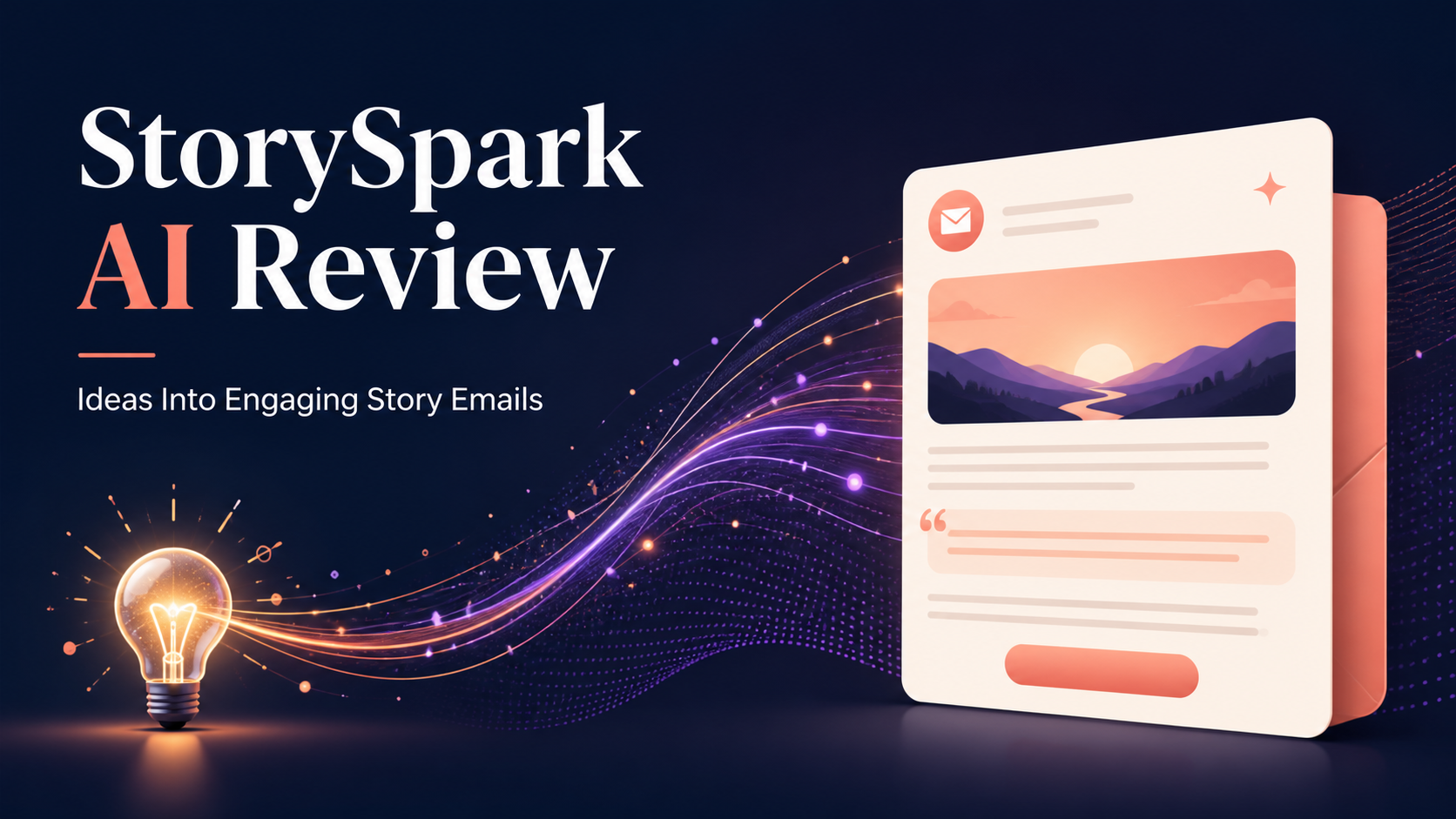
Writing an email sounds simple until you are staring at a blank screen. You may know what you want to promote, but turning that message into something interesting can take longer than expected. StorySpark AI is designed to help you turn everyday ideas into engaging story emails your audience may actually want to read.
The tool generates story-driven email drafts, subject lines, and matching image prompts in seconds. That can give beginners and busy business owners a useful starting point without removing the need for thoughtful editing. In this guide, we will look at what StorySpark AI does, how to use it effectively, and how to keep your emails relevant, honest, and personal.
What Is StorySpark AI?
StorySpark AI is an AI-powered writing tool focused on email storytelling. Instead of starting with a formal sales message, you can begin with an ordinary idea, observation, lesson, or moment from your day.
The tool then helps shape that idea into a story-driven email. It can also suggest subject lines and create a related image prompt, giving you several parts of an email campaign from one starting point.
For example, your original idea could be as simple as forgetting your shopping list, fixing a small website error, taking a different route to work, or receiving a useful customer question. StorySpark AI can help connect that moment to a lesson, product, service, or call to action.
This approach may be useful if you understand your offer but regularly struggle with how to introduce it in an engaging way.
Why Use Stories in Marketing Emails?
Many promotional emails begin by describing a product, listing features, and asking the reader to buy. That format can be useful, but repeating it too often may make an email list feel like a stream of advertisements.
A short story gives the reader a reason to continue. It creates context before introducing the lesson or offer. The story does not need to be dramatic. A small, relatable event is often enough to support a clear message.
For instance, a freelance designer might tell a brief story about losing time while searching through unorganized files. That story could naturally lead to an email about a project management template. A fitness coach could write about skipping a complicated morning routine and connect it to the value of a simpler plan.
Stories should not be used to disguise a sales pitch or make exaggerated claims. The strongest emails usually make the connection between the story and the offer clear, relevant, and believable.
How StorySpark AI Can Help
It gives you a starting point
Blank-page frustration is often more difficult than revising an imperfect draft. StorySpark AI can provide an initial structure that you can shorten, expand, or rewrite.
It connects ordinary moments to useful lessons
You do not need an extraordinary personal story for every email. The tool is built around turning common ideas into story-based messages, which can make consistent email creation feel more manageable.
It suggests subject lines
A good email still needs a subject line that accurately reflects the content. StorySpark AI can generate options, but you should choose or edit the one that best matches your audience and avoids misleading curiosity.
It creates matching image prompts
If your email, newsletter, or related social post needs a visual, the matching image prompt can help you describe an appropriate scene to an image-generation tool. Always review generated images for strange details, unsuitable text, brand conflicts, or misleading elements before publishing them.
A Practical Workflow for Turning Ideas Into Engaging Story Emails
Step 1: Capture a specific everyday moment
Start with one event rather than a broad topic. Instead of entering “productivity,” describe the moment you opened twelve browser tabs and could not remember which task you started.
Useful ideas can come from customer questions, mistakes, small wins, routines, conversations, product development, or lessons from running your business. Do not include private customer information or confidential business details.
Step 2: Decide on the main lesson
Ask what the moment taught you. The browser-tab example might lead to a lesson about simplifying a workflow. A missed appointment could lead to a lesson about setting up reminders.
Choosing the lesson first helps prevent the story from wandering away from the purpose of the email.
Step 3: Identify the relevant offer
Connect the lesson to a product, service, article, or next step that genuinely helps with the problem. If the connection feels forced, save the story for another campaign.
You can also write story emails that deliver a helpful lesson without selling anything. A balanced email strategy does not need a strong promotion in every message.
Step 4: Generate the draft
Give StorySpark AI enough context to create a useful result. Include the event, lesson, audience, offer, preferred tone, and desired action.
A practical input might be: Create a friendly email for new online shop owners. Use a story about spending an hour searching for an order detail. Connect it to the importance of a simple tracking system, and invite readers to view my order-management checklist. Keep the language straightforward and avoid exaggerated claims.
Step 5: Review the subject lines
Choose a subject line that creates interest without making a promise the email cannot support. Check whether it sounds natural beside your previous emails and whether a reader can understand it without unnecessary hype.
Step 6: Edit the email in your own voice
AI output should be treated as a draft. Replace generic phrases, remove repetition, and add details that are accurate to your situation. Check names, links, product information, deadlines, prices, and claims manually.
You should also make sure the story is truthful. Do not present an invented event as a personal experience. If you use a fictional scenario, label or frame it clearly as an example.
Step 7: Add one clear call to action
Tell the reader what to do next. Depending on the email, that could be reading a guide, replying with a question, viewing a product, booking a call, or downloading a resource.
One focused action is usually easier to follow than several competing requests.
A Simple Story Email Example
Imagine that you sell a digital weekly planner. Your starting idea is that you wrote an important task on a loose piece of paper and later lost it.
A concise story email could begin by describing the moment you checked your desk, pockets, and notebook for the missing note. It could then explain that the real problem was not the piece of paper; it was having tasks stored in too many places.
The lesson would be to give important tasks one consistent home. From there, you could introduce the digital planner as one possible way to organize the week and invite the reader to see how it works.
Possible subject line directions might include “The note I could not find” or “Too many places for one simple task.” These examples create curiosity while still matching the email.
A related image prompt could describe a tidy desk with a laptop, weekly planner, pen, and one misplaced paper note in a warm, realistic editorial style. You would then adjust the prompt to fit your brand colors and visual guidelines.
Tips for Getting Better Drafts
- Be specific: Concrete situations are easier to turn into clear stories than broad themes.
- Describe your audience: A beginner, agency owner, local retailer, and experienced marketer may need different language.
- Set the tone: Ask for friendly, practical, calm, conversational, or concise writing rather than assuming the tool knows your style.
- Provide the real benefit: Explain how your offer helps without using unsupported claims.
- Keep the story focused: Remove details that do not support the lesson.
- Read the draft aloud: This can reveal awkward phrases and sentences that do not sound like you.
- Check compliance: Follow applicable email marketing, privacy, disclosure, and unsubscribe requirements.
Who Might Find StorySpark AI Useful?
StorySpark AI may appeal to affiliate marketers, newsletter writers, coaches, course creators, freelancers, online shop owners, and other small businesses that use email regularly.
It may be particularly helpful if you often have an idea but cannot find a strong opening, or if drafting subject lines and visual concepts slows down your workflow.
However, it is not a replacement for understanding your audience. It cannot confirm that every story will resonate, and it should not be expected to guarantee opens, clicks, sales, traffic, or other results. Email performance depends on factors such as list quality, relevance, timing, deliverability, trust, and the strength of the offer.
Conclusion: Is StorySpark AI Worth Exploring?
StorySpark AI offers a focused way to transform everyday ideas into engaging story emails, subject lines, and matching image prompts. Its main value is helping you move from a rough thought to an editable draft more quickly.
The best results are likely to come from combining the tool with your own knowledge. Give it specific context, verify every claim, keep stories truthful, and edit the final email so it sounds like your business rather than a generic template.
If story-based email writing is a regular challenge, you can learn more about StorySpark AI here and decide whether it fits your workflow. This is an affiliate link, which means I may earn a commission if you make a purchase through it, at no additional cost to you.
Frequently Asked Questions
What does StorySpark AI create?
StorySpark AI generates story-driven email drafts, subject line ideas, and matching image prompts based on an idea or moment you provide.
Do I need email marketing experience to use it?
No advanced experience is required to start drafting. However, beginners should still learn basic email practices, including clear calls to action, truthful claims, audience consent, and unsubscribe requirements.
Can I publish the generated emails without editing?
Editing is strongly recommended. Check the draft for accuracy, relevance, tone, repetition, and unsupported statements. Add your own truthful details so the message fits your brand and audience.
What kinds of ideas can become story emails?
You can use customer questions, routine tasks, business mistakes, small discoveries, common frustrations, or lessons from your work. Avoid sharing private information, and never claim an invented event happened to you.
Does StorySpark AI guarantee better email results?
No. It can support the writing process, but it cannot guarantee open rates, clicks, traffic, sales, or income. Results vary according to your audience, offer, list quality, deliverability, and execution.

Leave a Reply